How do I combine infographic and UI screen in one prompt?

Short answer

Infographic and UI screen coexist only once you decide which one leads. Fix the scale and placement of infographic instead of leaving it to the model. Lens: straight-on, modules on a grid. Colour, from UI screen: one primary, one neutral grey, one accent; three colours stay controllable, one step less saturated. Run it once, see which layer gets eaten, then rebalance.

The three parameters that decide the result

ParameterWhat to write
infographic · subjectdata or a process split into modules, with arrows, numbering and a legend setting the reading order
UI screen · textureone primary, one neutral grey, one accent; three colours stay controllable
Conflict controlLimit UI screen to colour and material so it never takes over infographic composition

Real examples

Open any card for the full prompt, or send it straight to the generator.

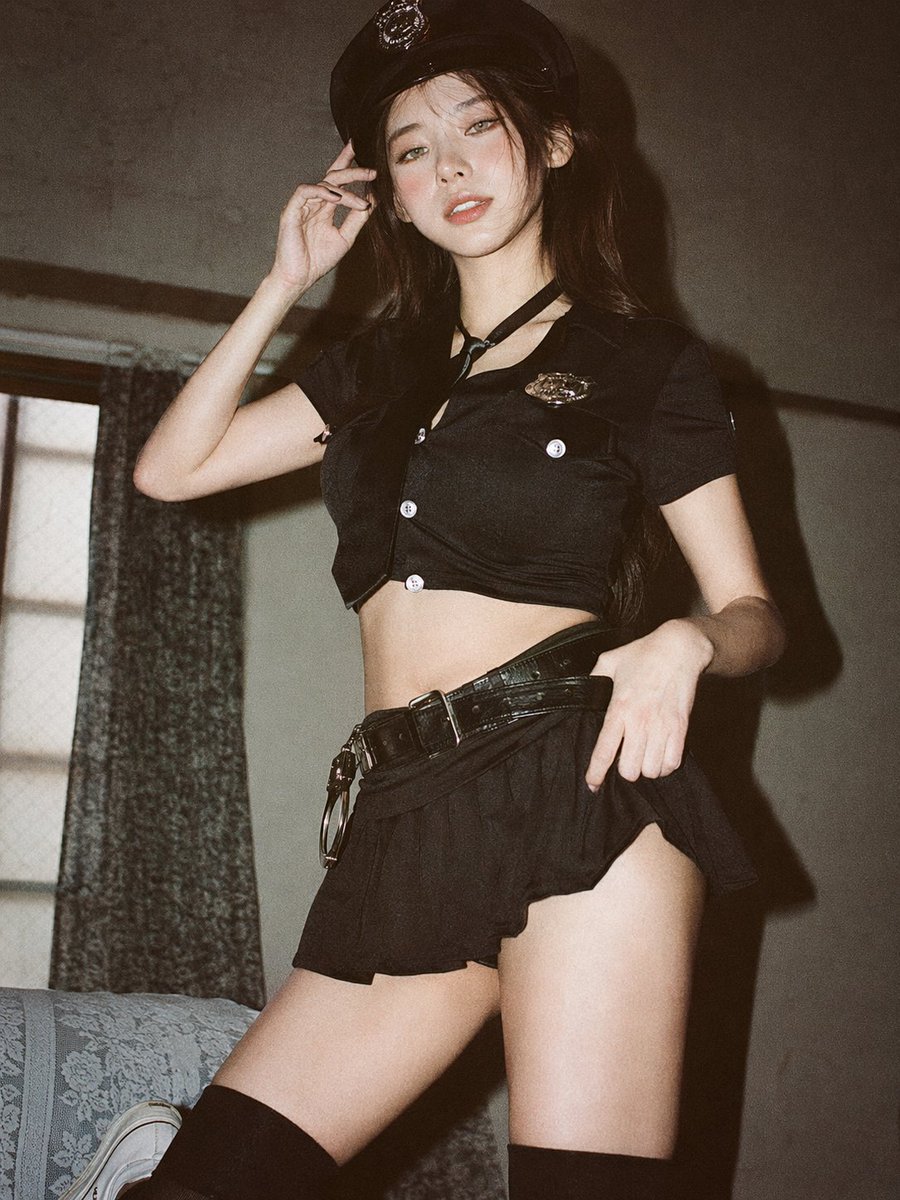
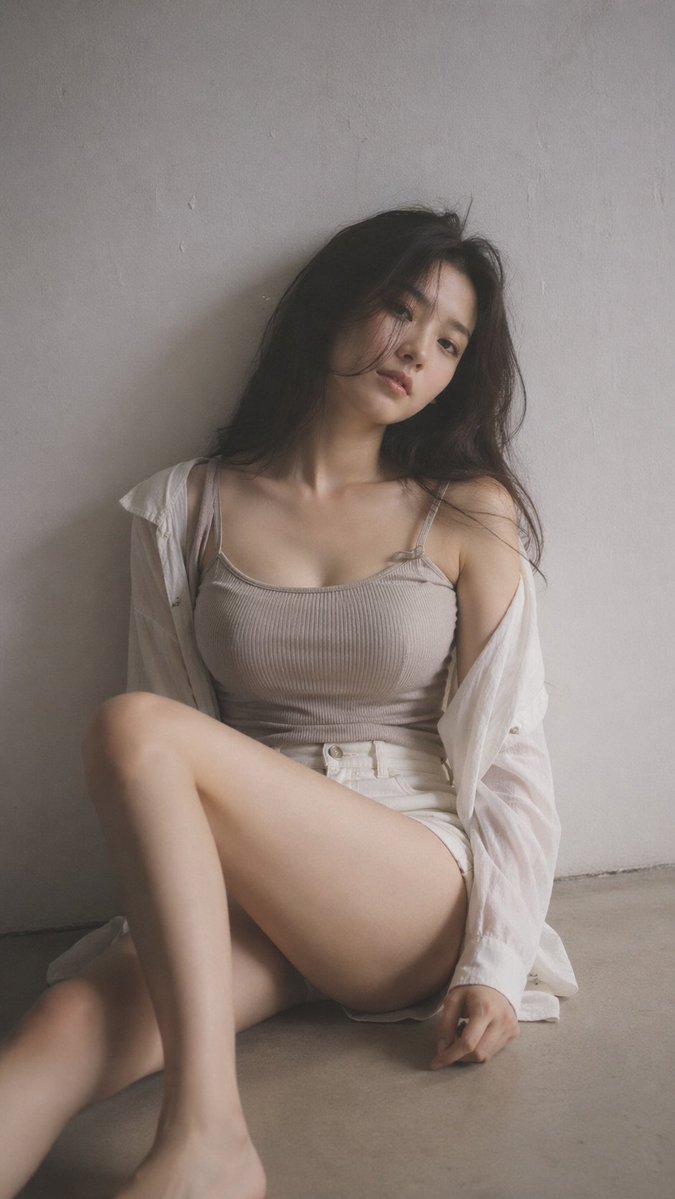
Soft Black Mist Portrait

Soft Black Mist Portrait

Prompt excerpt

16:9 vertical editorial portrait, single subject soft black mist filter, subtle haze, gentle highlight bloom, muted tones, minimal indoor space, clean background, slight texture. Young Korean woman, minimal makeup, natural skin, fitted ribbed knit top under lo…

View full prompt
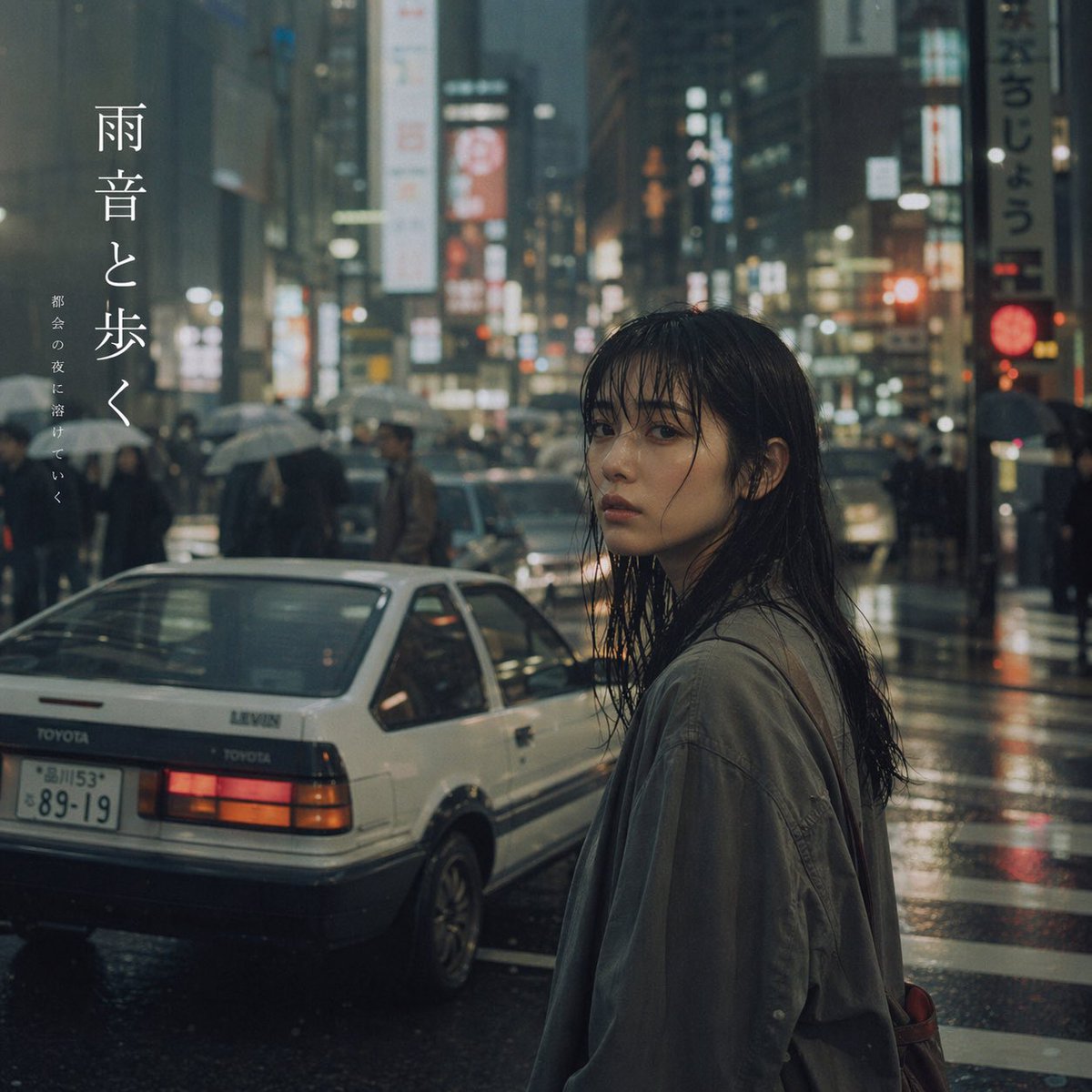
Cinematic Rainy Night Portrait

Cinematic Rainy Night Portrait

Prompt excerpt

Cinematic moody photograph of a young Asian woman looking back over her shoulder on a rainy night in a bustling Tokyo street. Wet stringy black hair on face, melancholic expression, loose coat, neon reflections, rain streaks, atmospheric lighting.

View full prompt
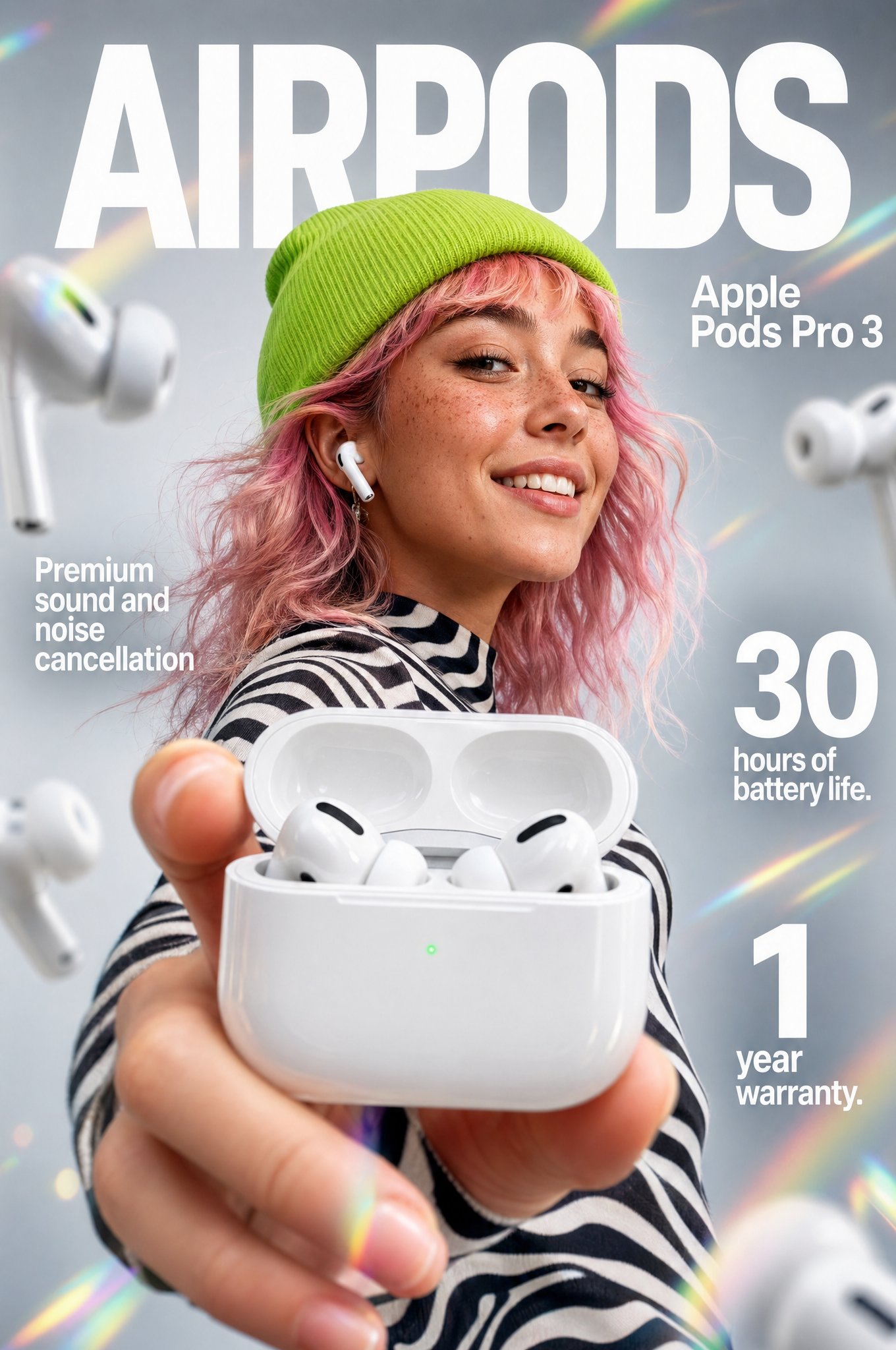
Apple Pods Pro 3 E-commerce Infographic

Apple Pods Pro 3 E-commerce Infographic

Prompt excerpt

Impact e-commerce infographic for Apple Pods Pro 3 wireless earbuds, clean modern layout, product features, technical specs, sleek visuals.

View full prompt
Soft Airy 35mm Portrait

Soft Airy 35mm Portrait

Prompt excerpt

35mm film photography, soft airy Japanese-style aesthetic, gentle diffused natural window light, slight overexposure, pastel tones, low contrast, soft highlights, minimal indoor setting near window with white curtains, clean light-colored wall, natural composi…

View full prompt
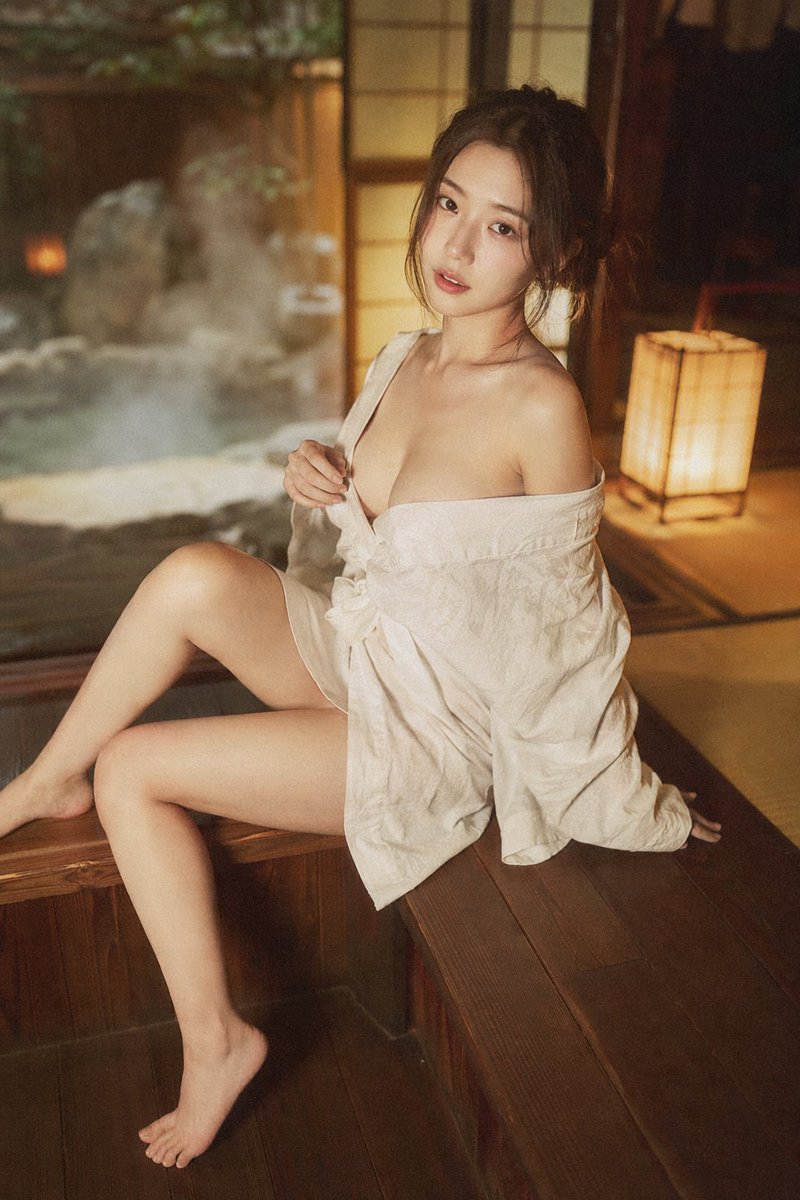
Japanese Onsen Ryokan Portrait

Japanese Onsen Ryokan Portrait

Prompt excerpt

Film photography, warm vintage Japanese onsen ryokan aesthetic, soft ambient wooden lantern lighting mixed with gentle natural window light, subtle film grain, high atmosphere editorial style, intimate medium shot, early 20s beautiful Chinese female idol with …

View full prompt
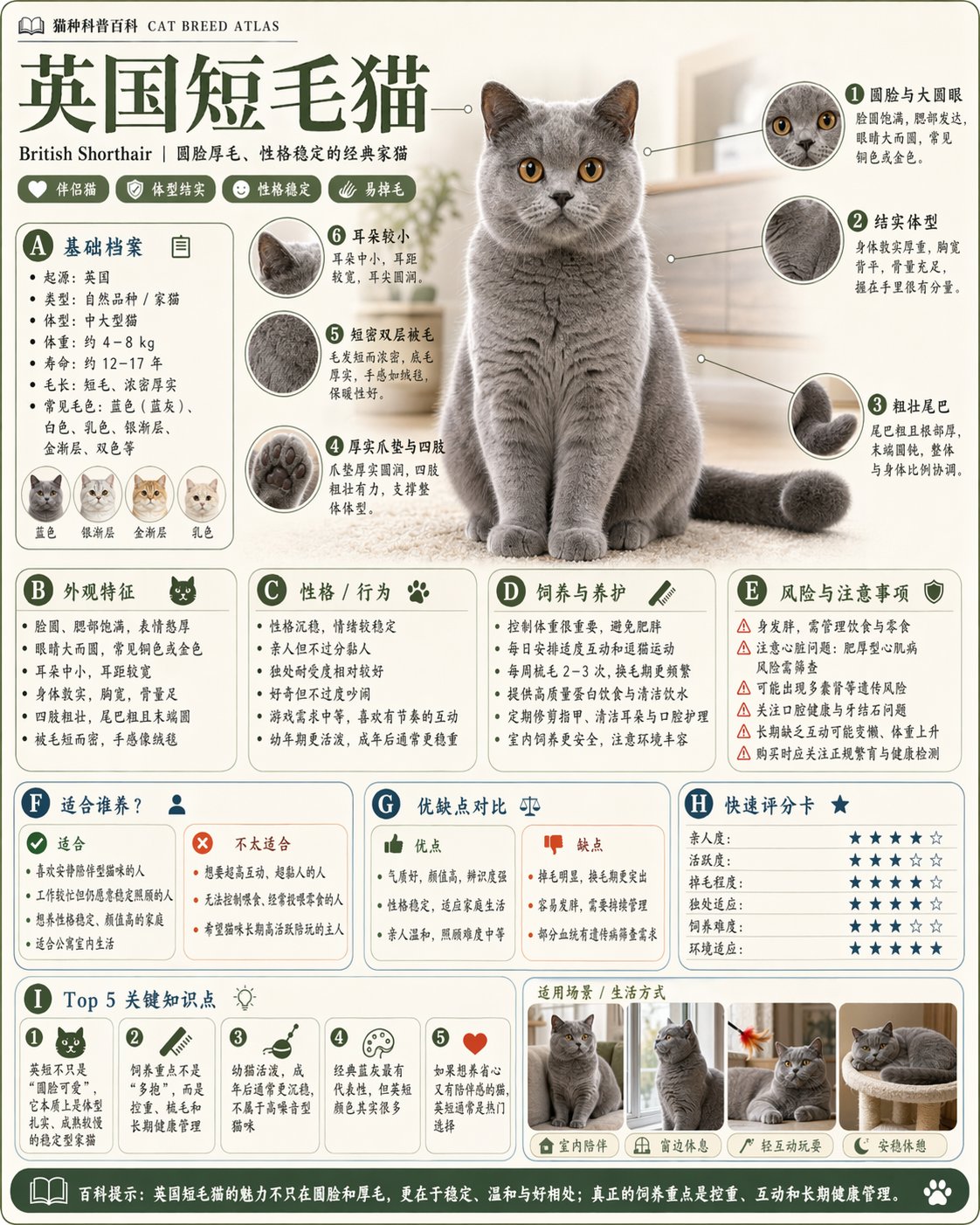
Scientific Encyclopedia Infographic

Scientific Encyclopedia Infographic

Prompt excerpt

High-quality vertical modular science encyclopedia infographic combining museum specimen plate, modern encyclopedia page, and social media educational style. Features main visual, magnified detail insets, rounded information modules, clear hierarchy, visualize…

View full prompt
Hyper-Realistic 3D Twitter/X Profile

Hyper-Realistic 3D Twitter/X Profile

Prompt excerpt

Ultra-realistic 3D illustration of a slightly tilted Twitter/X profile page on clean gray background. Keep original cartoon avatar. Interface matches real X screenshots with authentic layout, verified badge, follower stats, banner, and tweet section. A stylish…

View full prompt
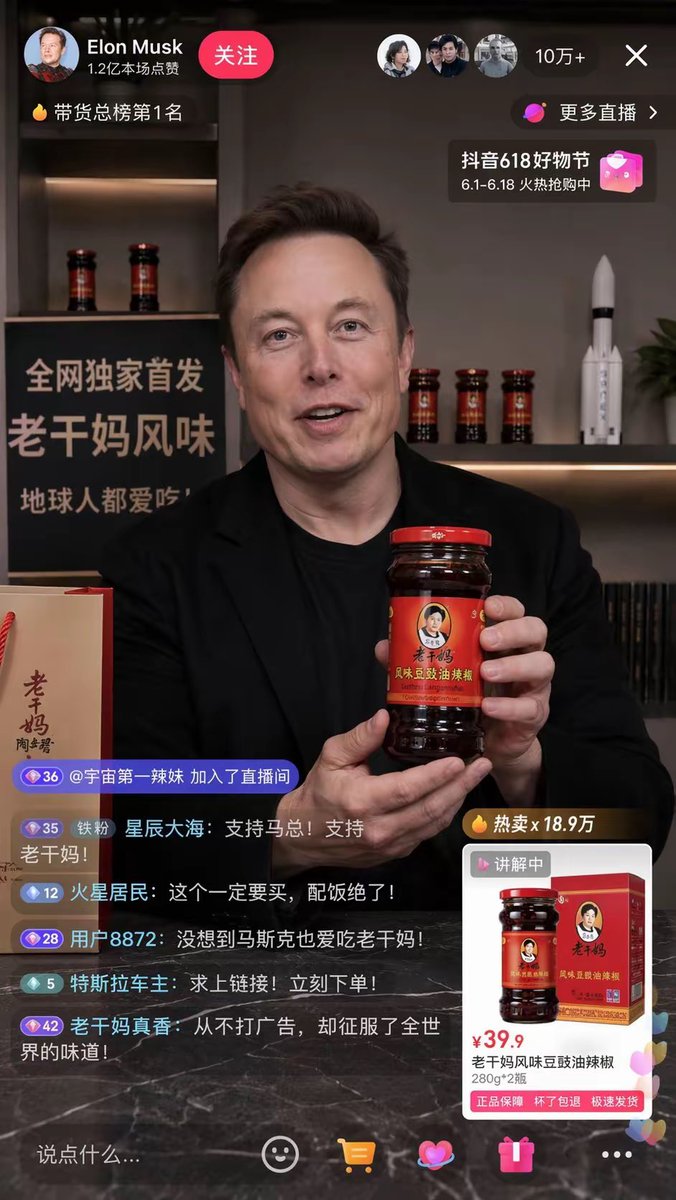
E-commerce Live Stream UI Prototype

E-commerce Live Stream UI Prototype

Prompt excerpt

Mobile live streaming interface prototype. Broadcaster Elon Musk wearing black T-shirt and black blazer, smiling warmly while presenting a jar of Lao Gan Ma chili oil. Modern studio or office setting. Background signs and UI elements for product showcase and e…

View full prompt

What usually goes wrong

  • asking for precise numeric charts, which are almost always wrong
  • not stating the language, which produces garbled glyphs
  • Listing both tags at the head of the prompt makes the model split the difference and produce neither.

FAQ

Can I trust the numbers in an infographic?

No. The model draws chart-shaped forms without data. Add real figures in post.

Why is interface text always garbled?

Image models cannot render long strings. Keep copy to two to four words or ask for text placeholder bars.

Which style wins when they clash?

The one holding composition. A wrong composition is fatal; a wrong mood can be graded later.

Generate with this approach

Take the structure above into the generator and swap the subject.

Open the generator

Related questions

Updated 2026-11-24

Examples come from the public prompt library; copyright stays with the original authors. Check asset rights and model terms before commercial use.

中文版本