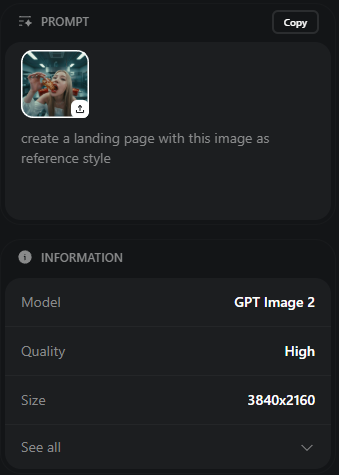
Prompt (JSON)1842 字符
{
  "type": "wikiHow 文章模拟",
  "header": {
    "background": "绿色",
    "elements": [
      "汉堡菜单图标",
      "wikiHow 标志",
      "带有“搜索方法...”文本的搜索栏",
      "5 个导航图标:PRO/PPRO、测验、编辑、探索、登录"
    ]
  },
  "breadcrumbs": "首页 » 分类 » 计算机与电子产品 » 互联网 » CHATGPT",
  "article_info": {
    "title": "{argument name=\"article title\" default=\"如何使用 GPT-Image 2\"}",
    "metadata": "由 wikiHow 员工撰写 | 更新时间:2024 年 6 月 10 日",
    "sidebar": [
      "PDF 下载文章按钮",
      "方法框:1 在 Arena.ai 上使用 GPT-Image 2"
    ]
  },
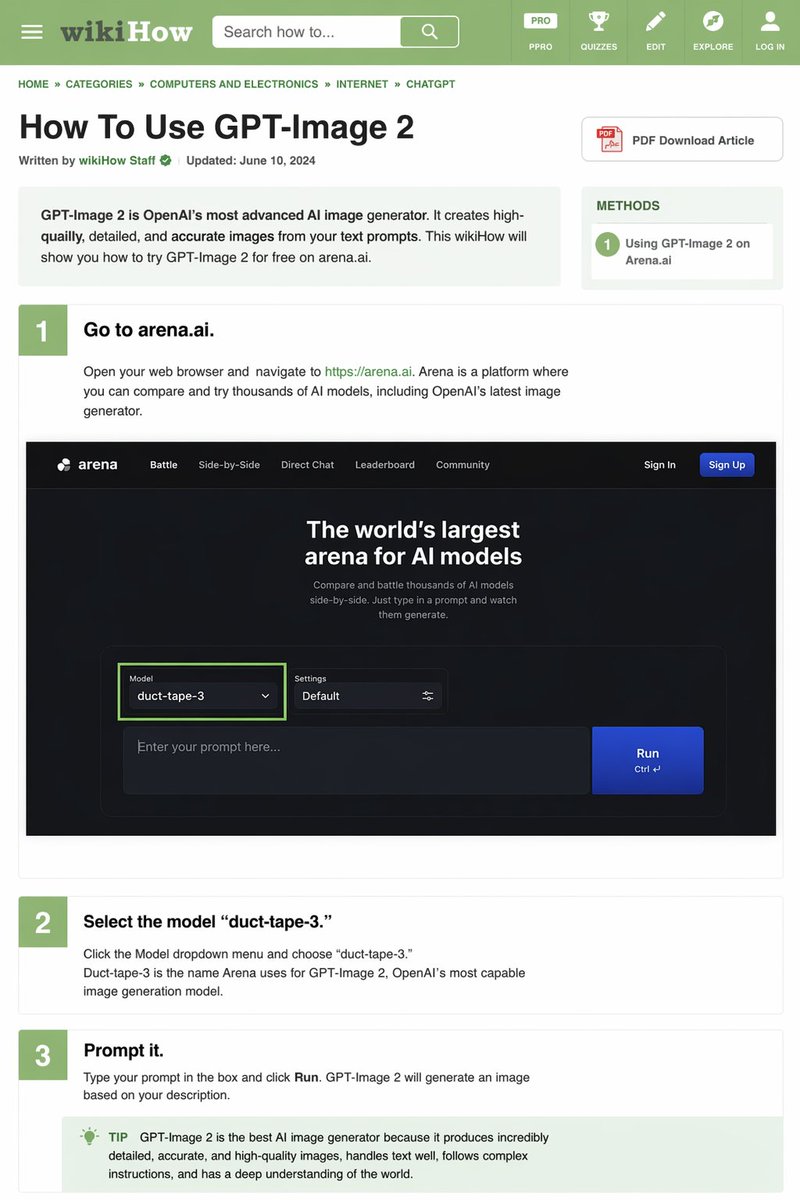
  "intro_box": "GPT-Image 2 是 OpenAI 最先进的 AI 图像生成器。它能根据你的文本提示创建高质量、细节丰富且准确的图像。本 wikiHow 将向你展示如何在 arena.ai 上免费试用 GPT-Image 2。",
  "steps": [
    {
      "number": 1,
      "title": "{argument name=\"step 1 title\" default=\"前往 arena.ai。\"}",
      "description": "打开你的网页浏览器并访问 https://arena.ai。Arena 是一个你可以比较和试用数千种 AI 模型的平台,其中包括 OpenAI 最新的图像生成器。",
      "embedded_image": {
        "type": "深色模式网站 UI 模拟",
        "logo": "arena",
        "navigation": [
          "对战",
          "并排对比",
          "直接对话",
          "排行榜",
          "社区",
          "登录",
          "注册按钮"
        ],
        "hero_text": "全球最大的 AI 模型竞技场",
        "input_ui": {
          "model_dropdown": "模型:{argument name=\"model name\" default=\"duct-tape-3\"}",
          "settings": "默认",
          "text_input": "在此输入你的提示词...",
          "button": "运行"
        }
      }
    },
    {
      "number": 2,
      "title": "{argument name=\"step 2 title\" default=\"选择模型 'duct-tape-3'。\"}",
      "description": "点击模型下拉菜单并选择“duct-tape-3”。Duct-tape-3 是 Arena 为 OpenAI 最强大的图像生成模型 GPT-Image 2 所使用的名称。"
    },
    {
      "number": 3,
      "title": "{argument name=\"step 3 title\" default=\"输入提示词。\"}",
      "description": "在框中输入你的提示词并点击“运行”。GPT-Image 2 将根据你的描述生成图像。",
      "tip_box": "提示:GPT-Image 2 是目前最好的 AI 图像生成器,因为它能生成极其详细、准确且高质量的图像,擅长处理文本,能够遵循复杂的指令,并对世界有深刻的理解。"
    }
  ]
}