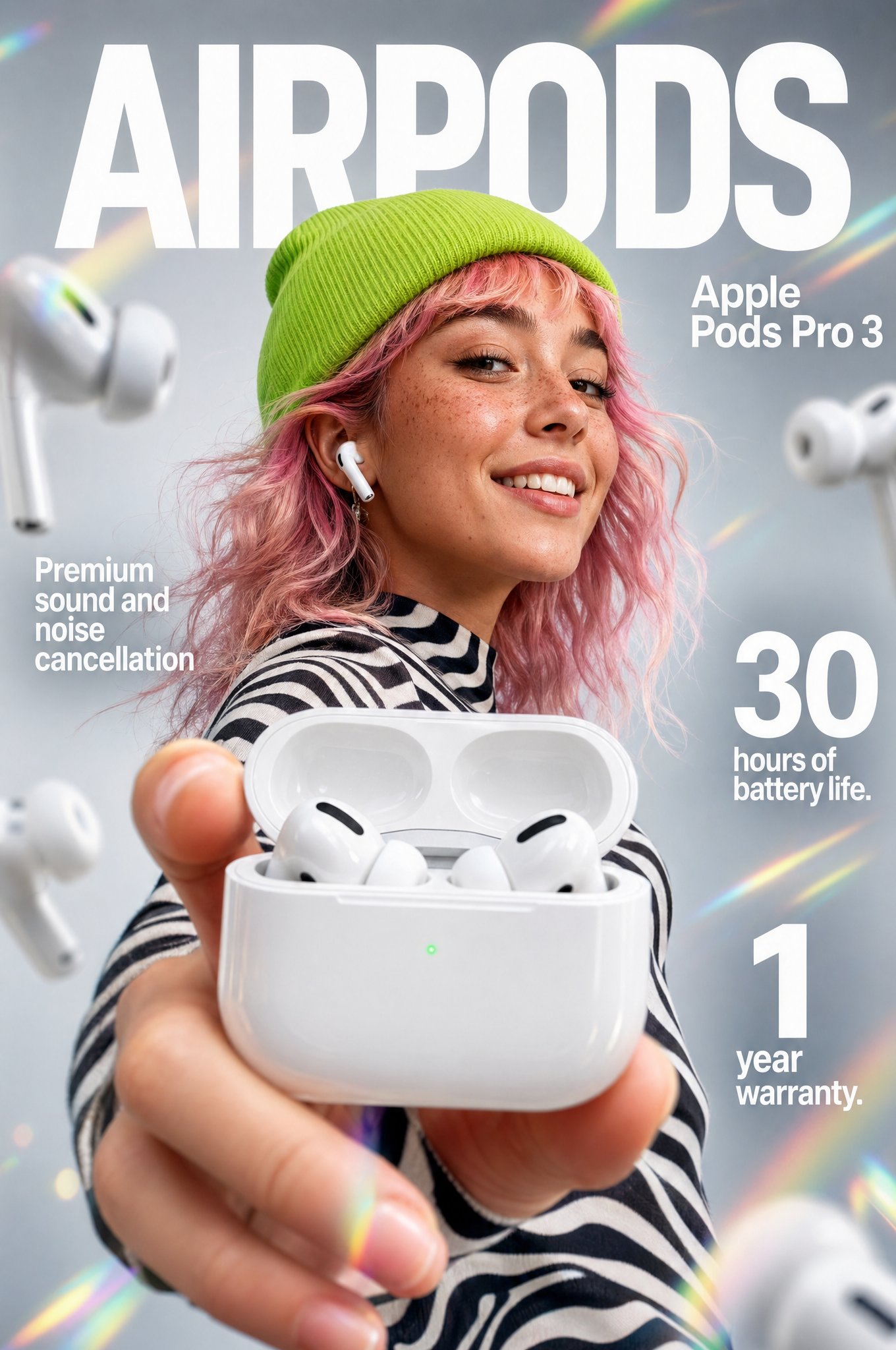
Apple Pods Pro 3 E-commerce Infographic
Prompt excerpt
Impact e-commerce infographic for Apple Pods Pro 3 wireless earbuds, clean modern layout, product features, technical specs, sleek visuals.
View full promptShort answer
Write the 3D render lens first, then the infographic light, then unify the palette. Light, from infographic: flat backdrop and even light so shadows never compete with hierarchy, without overriding the key direction of 3D render. Background: data or a process split into modules, with arrows, numbering and a legend setting the reading order. Subject: geometry, material spheres or product models in a studio-like frame. Listing both tags at the head of the prompt makes the model split the difference.
| Parameter | What to write |
|---|---|
| 3D render · subject | geometry, material spheres or product models in a studio-like frame |
| infographic · texture | one hue in several values plus at most one alert colour |
| Conflict control | Limit infographic to colour and material so it never takes over 3D render composition |
Open any card for the full prompt, or send it straight to the generator.
Prompt excerpt
Impact e-commerce infographic for Apple Pods Pro 3 wireless earbuds, clean modern layout, product features, technical specs, sleek visuals.
View full prompt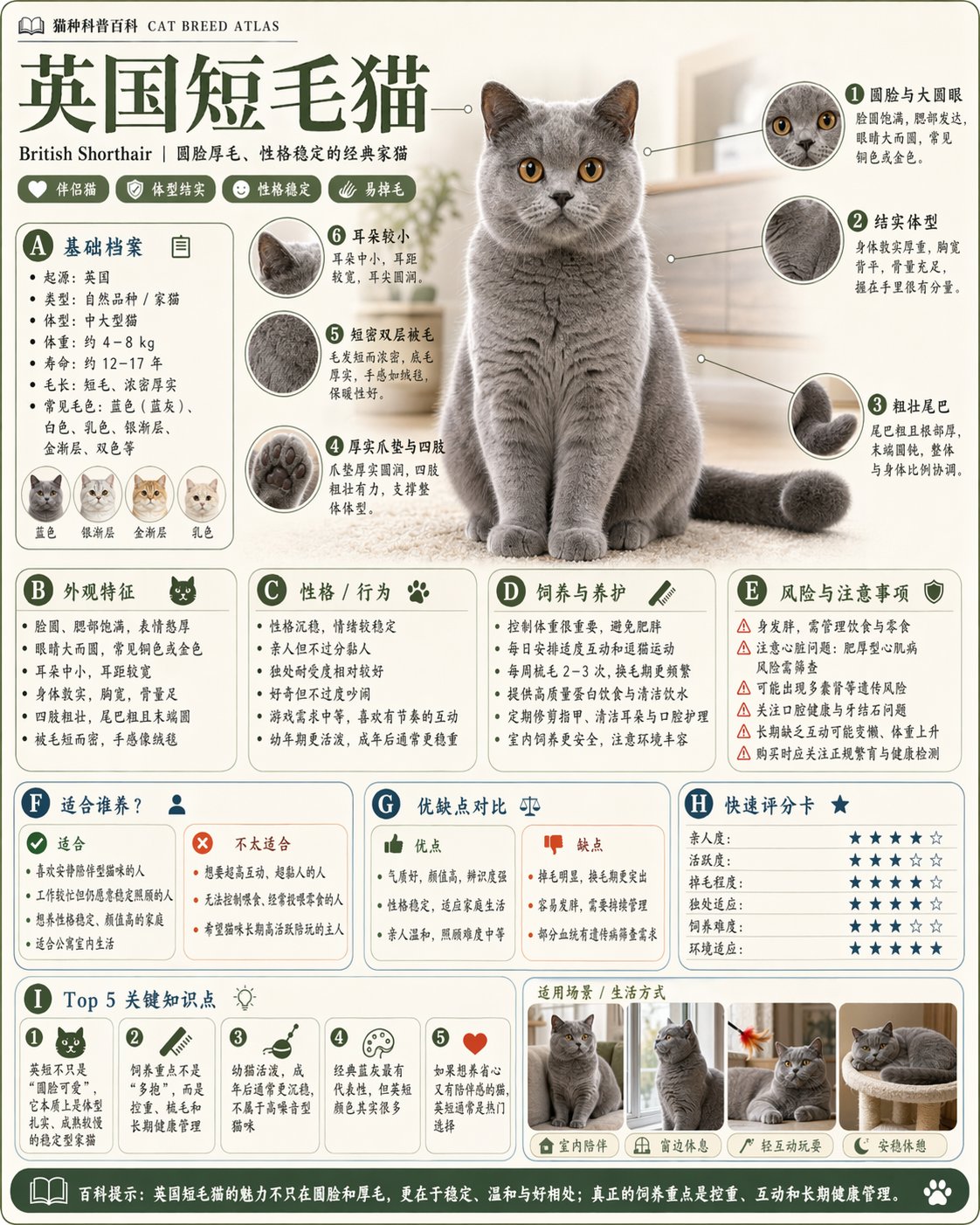
Prompt excerpt
High-quality vertical modular science encyclopedia infographic combining museum specimen plate, modern encyclopedia page, and social media educational style. Features main visual, magnified detail insets, rounded information modules, clear hierarchy, visualize…
View full prompt
Prompt excerpt
Ultra-realistic 3D illustration of a slightly tilted Twitter/X profile page on clean gray background. Keep original cartoon avatar. Interface matches real X screenshots with authentic layout, verified badge, follower stats, banner, and tweet section. A stylish…
View full prompt
Prompt excerpt
3D render of a cute kawaii cloud character on pure white background. Soft matte squishy clay-like texture, large glossy black eyes with white highlights, simple curved smile, round pink blush cheeks. Subtle rounded edges and bottom.
View full prompt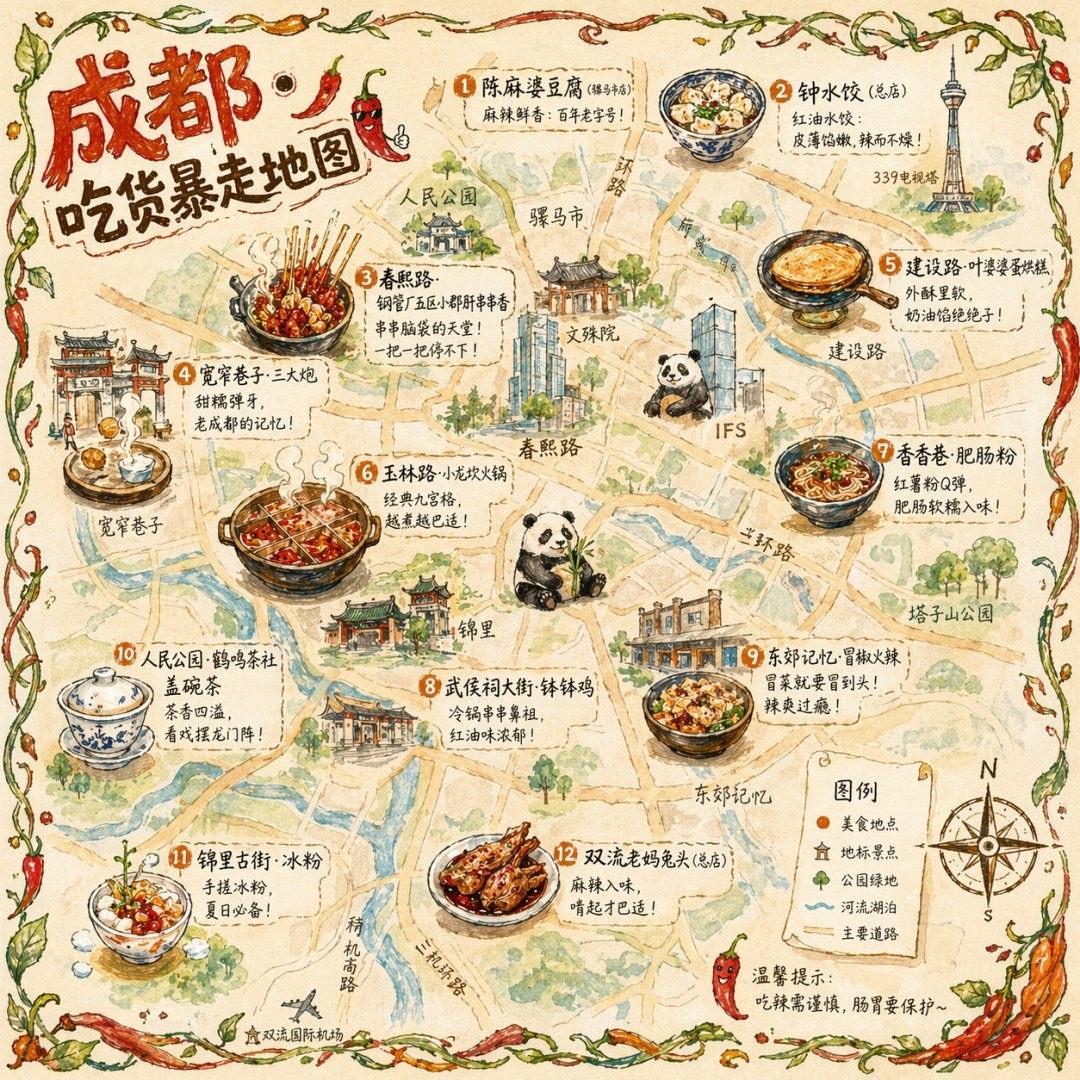
Prompt excerpt
Hand-drawn map infographic in retro parchment watercolor ink illustration style. Title section features mascot of a cartoon red chili pepper wearing sunglasses and thumbs-up. Decorative border of green leaves and red chili vines. City foodie walking map layout…
View full prompt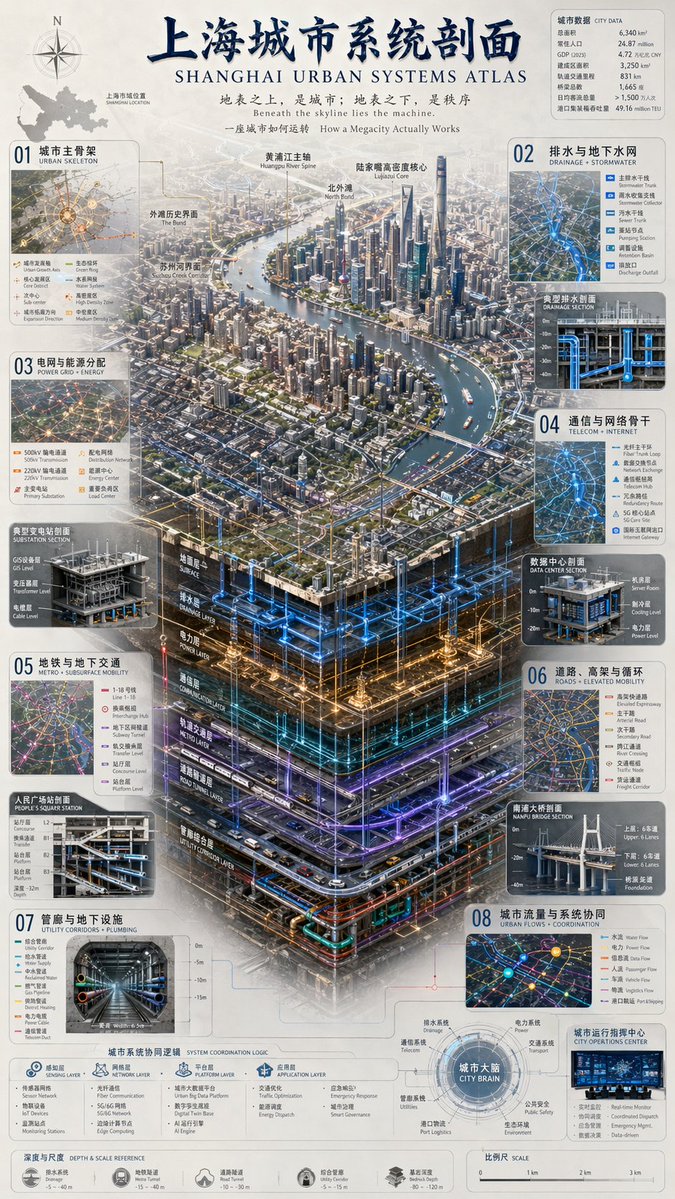
Prompt excerpt
Complex urban systems atlas infographic with dark background, glowing blue gold and purple accents. Highly detailed technical illustration in 3D isometric cutaway view showing city infrastructure layers and systems.
View full prompt
Prompt excerpt
3D animation style tourism promotion poster for Guangxi. Main title and subtitle typography. Left-center 3D animated joyful girl character wearing traditional ethnic minority outfit with silver headdress. Vibrant landscape background.
View full prompt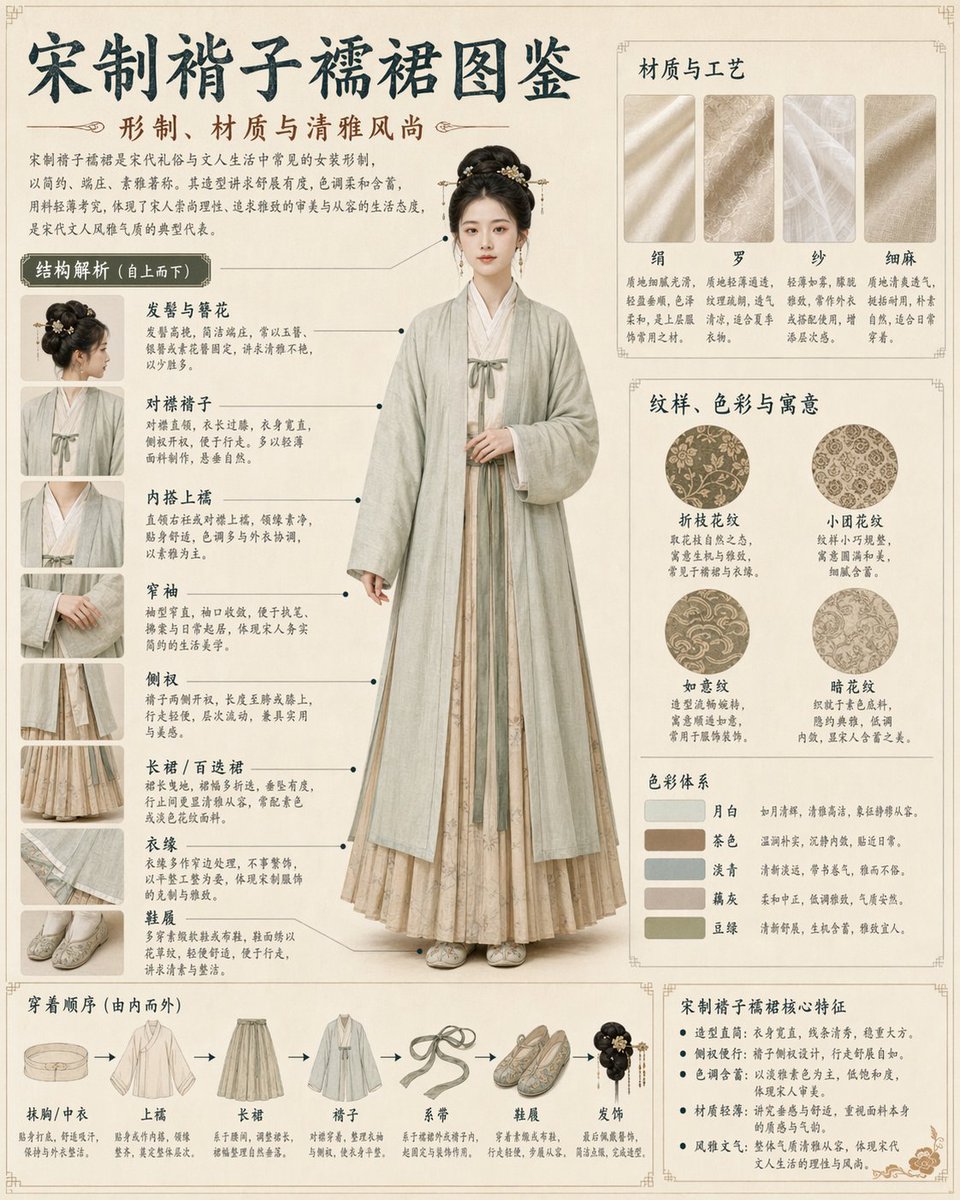
Prompt excerpt
Traditional Chinese clothing infographic poster titled Song Dynasty Beizi Ruqun Illustrated Guide. Subtitle on form, material and elegant aesthetics. Centerpiece full-body portrait of young Asian woman in historical Song dynasty attire with detailed annotation…
View full promptImperfection. Renders are too clean; photos carry dust, fingerprints and slight colour drift.
Give it a structural metaphor such as gears, a pipeline or a cross-section instead of the default three-column icons.
The one holding composition. A wrong composition is fatal; a wrong mood can be graded later.
Take the structure above into the generator and swap the subject.
Open the generator